
Automotive websites & operations
A shared CMS for multiple websites, with vehicle stock, rental bookings and fleet handovers. Alongside the public portal, we built applications for lead processing, service operations and workshop teams on mobile.
One CMS. Practical tools for the teams behind it.

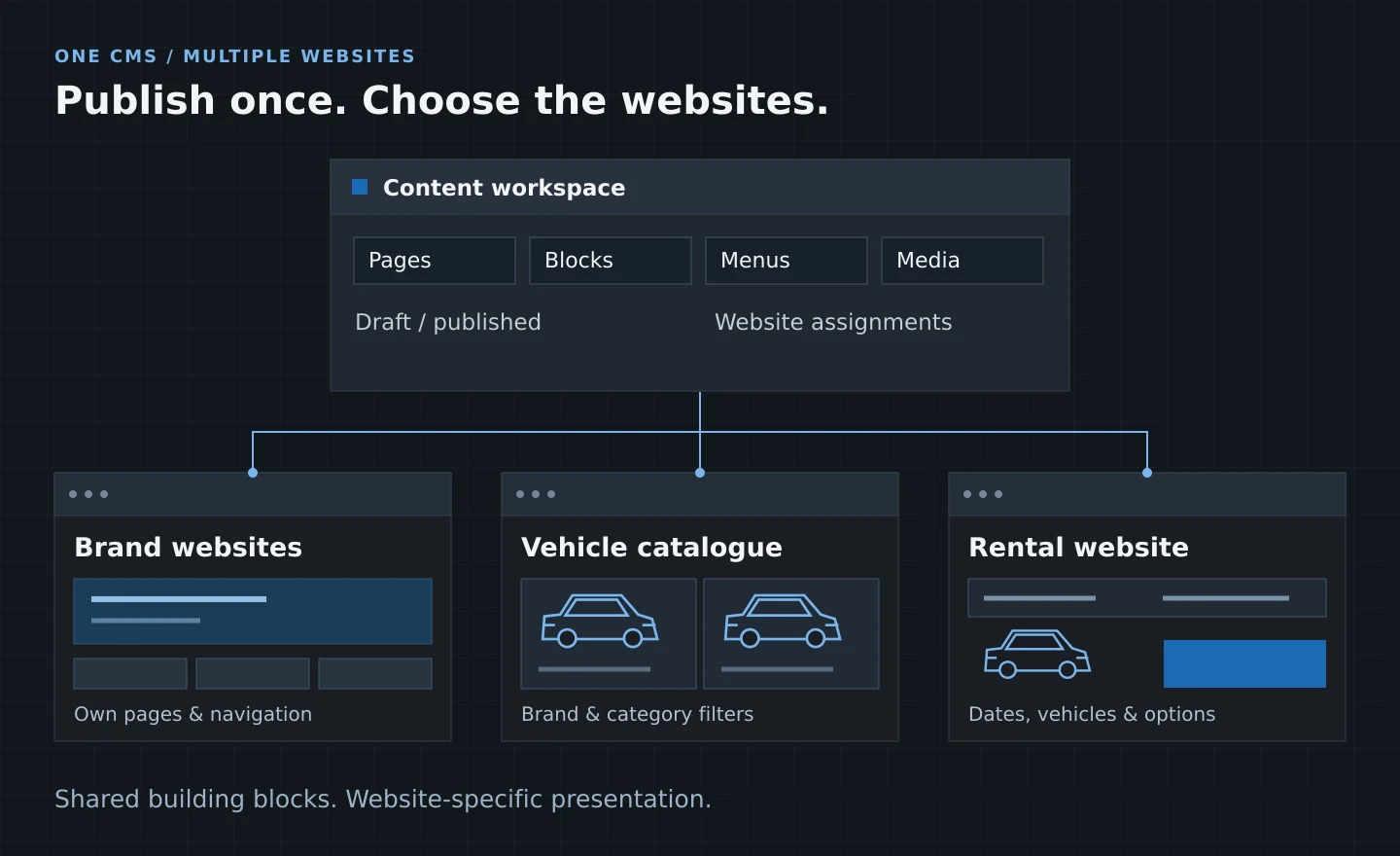
Several websites. One publishing system.
One Laravel portal resolves each domain to its own content and settings. A common admin panel gives editors control over:
- Pages and campaigns: reusable blocks, templates and page duplication.
- Publication: drafts, published pages, URLs, SEO and website assignments.
- Each website’s identity: languages, branding, navigation, footer and social links.
- Events: website-specific catalogues and registration forms.
The same publishing tools support distinct websites, without rebuilding routine content changes in code.
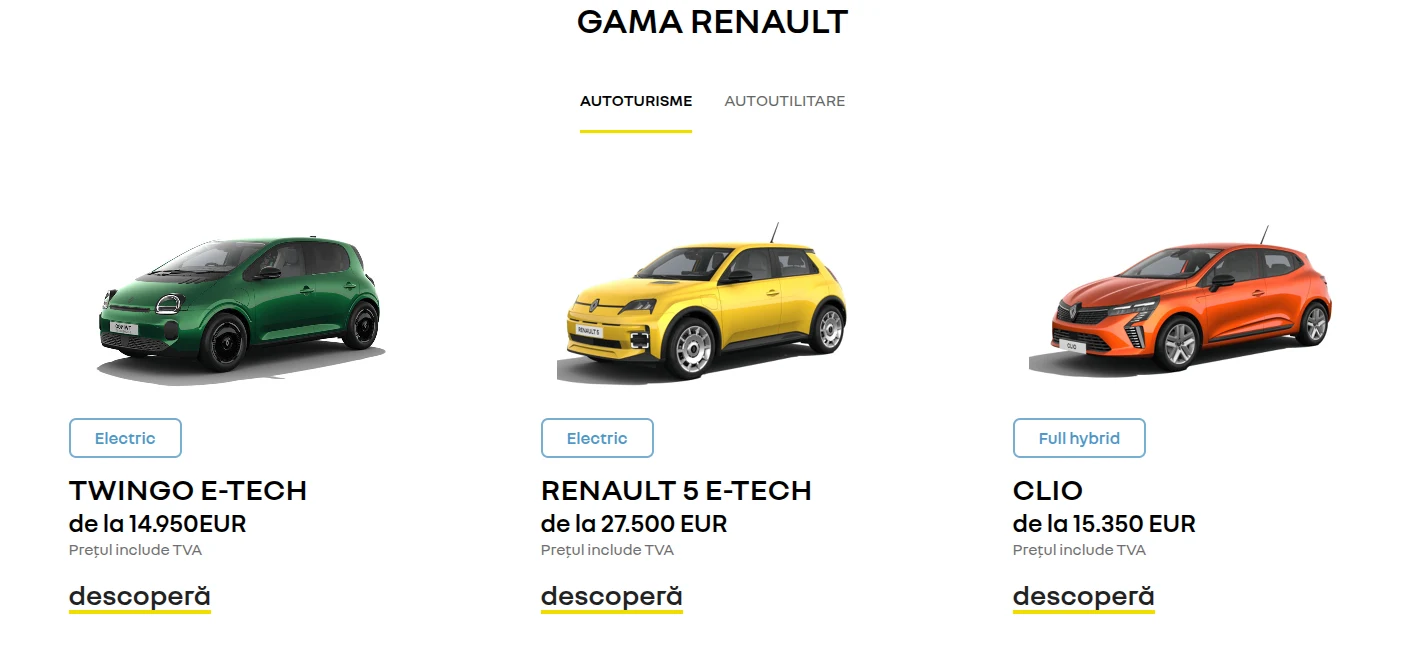
A distinct storefront on the shared CMS.
The public model range combines category tabs, vehicle images, powertrain labels, pricing and model detail links. The page keeps its own visual identity while using the common publishing tools.
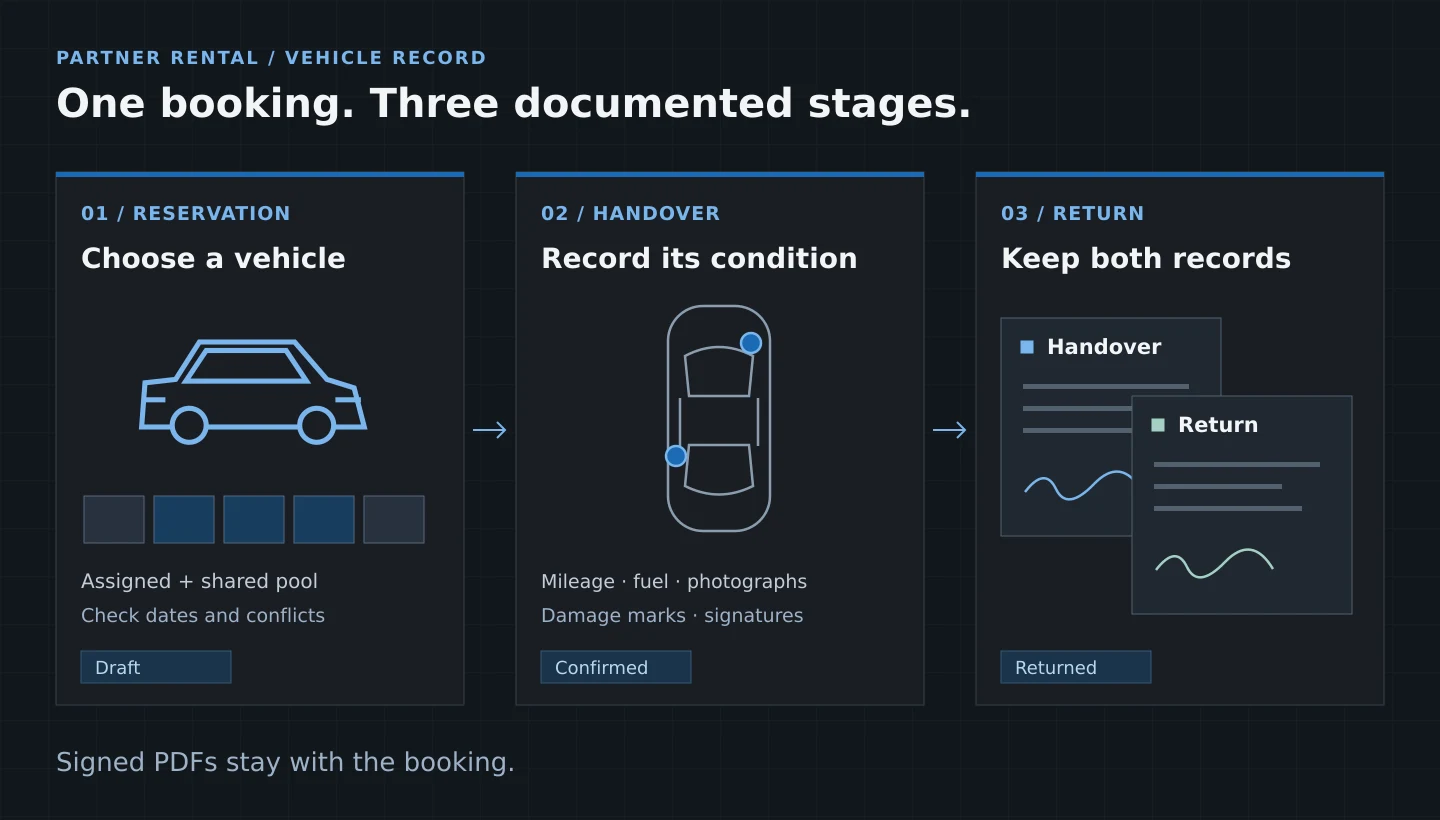
From vehicle allocation to signed return.
A dedicated partner workspace combines allocated vehicles and a shared pool. Staff choose dates, check availability and manage the booking through handover and return.
- Allocate: check date conflicts and see when occupied vehicles are due back.
- Inspect: record mileage and fuel, attach photographs and mark damage on a vehicle diagram.
- Confirm: collect customer and staff signatures, then generate, store and email the handover PDF.
- Return: keep a separate set of condition records, photos, signatures and a return PDF for comparison.
Turn dates and options into a priced booking.
-
01 /
Availability and rental pricing
The public booking flow checks rental reservations for the selected dates. Server-side pricing combines duration tiers or monthly packages, equipment, location and date fees, and cover options. The refundable deposit is shown separately from the rental total.
-
02 /
Payments staff can trace
The booking flow supports payment at pickup and configurable Stripe checkout. Staff can also issue payment links in RON or EUR; each link has an order, line item and transaction record for follow-up.
-
03 /
Vouchers and partner distribution
SharePoint-backed vouchers apply free-day allowances and configured deposit waivers, and are marked used after finalisation. An authenticated partner feed exposes available cars, prices, deposits and one-way fees.
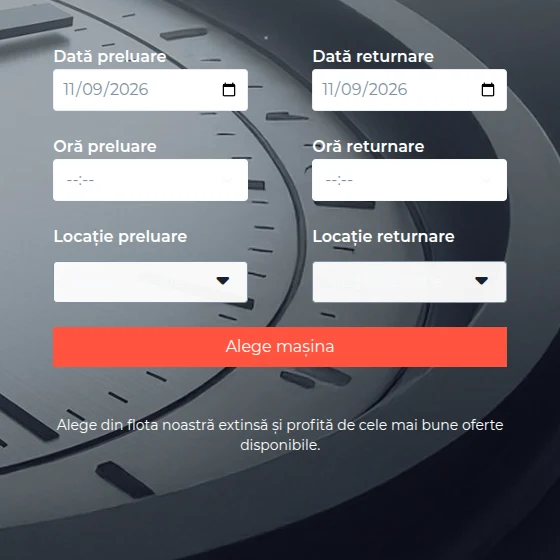
Choose the period before choosing the car.
The public rental page starts with pickup and return dates, times and locations. These inputs carry through to vehicle availability and pricing.
Give buyers the detail needed to enquire.
-
01 /
Searchable vehicle stock
A shared vehicle catalogue supplies brand and category listings, with filters for model, price, year, mileage, fuel and gearbox. Used-stock views distinguish newly added, available and sold vehicles.
-
02 /
Trade-in and sales enquiries
Vehicle pages lead into offer requests. A guided trade-in flow collects vehicle specifications, mileage, photographs and contact details, giving the sales team a structured record to assess.
-
03 /
Accessories through checkout
The product catalogue connects to a cart and checkout. Orders retain line items and payment transactions; payment updates change the order status so staff can follow an order through payment.
The information behind a sales enquiry.
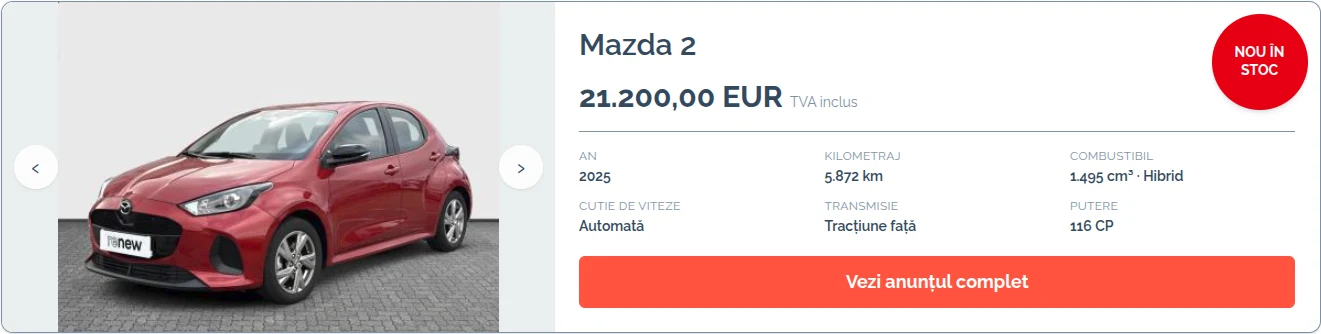
A stock result brings the vehicle gallery, availability status, price and specifications together, with a direct link to the full listing.
Keep the enquiry and its context together.
-
01 /
Forms that retain submissions
CMS forms store the entry and attachments before queuing configured customer and staff emails. Staff can review the saved request rather than relying only on a notification.
-
02 /
Website and advertising leads
A separate ingestion service receives website forms and Facebook Lead Ads. It stores the submitted data and source information before sending mapped fields to SharePoint lists used for follow-up.
-
03 /
Requests arrive with supporting detail
Website, page and form names travel with website leads. Trade-in submissions include links to the uploaded photographs, so the receiving team can review the vehicle alongside the enquiry.
Carry the work beyond the website.
-
01 /
Jobs, evidence and customer decisions
A separate workshop application links jobs to vehicles, customers, consultants and technicians. Operations, photos, videos and conversations stay with the job. Customers can approve or refuse proposed operations through a dedicated link; the response is recorded and the consultant notified.
-
02 /
Mobile tools for the workshop
The Flutter app uses the workshop API to open and create jobs, upload media and access job conversations. Staff can edit job reports and generate PDFs from the phone, keeping evidence attached to the work.
-
03 /
Service progress and reporting
Service tools support repair-file status checks and replacement-car requests. Staff progress jobs through defined steps, while workshop exports provide job and overview reports for operational review.
Connect the website to the work behind it.
Tell us how you manage content, stock, bookings and the handoffs between teams.